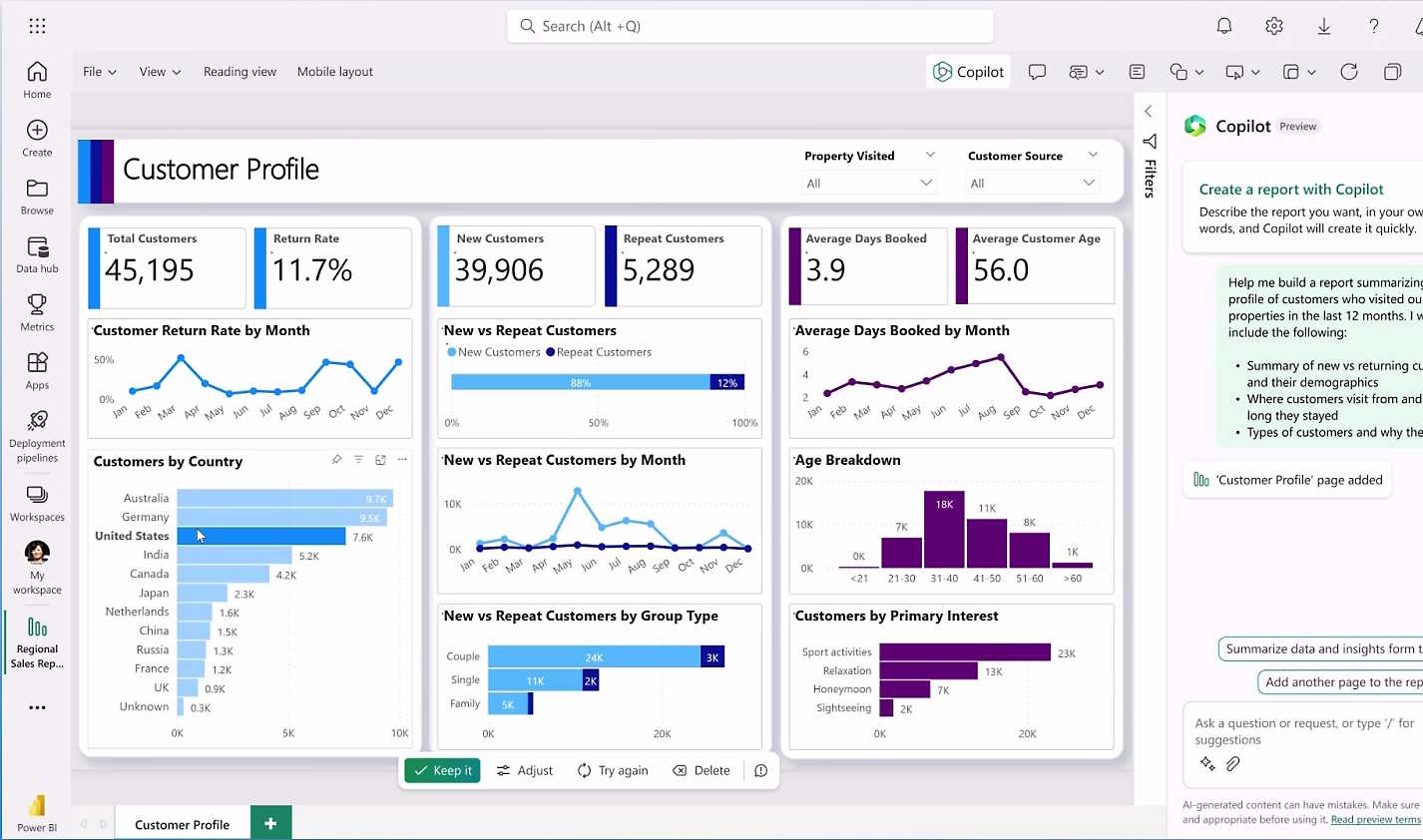
Power BI is a powerful data visualization and business intelligence tool developed by Microsoft. It offers a wide range of functionalities to help organizations analyze data, share insights, and make data-driven decisions. Here are some key things you can do with Power BI:
Data Connectivity and Integration:
- Connect to a wide variety of data sources, including databases (SQL Server, Oracle, MySQL), cloud services (Azure, Salesforce, Google Analytics), and files (Excel, CSV).
- Combine data from multiple sources using data modeling.
Data Transformation and Cleaning:
- Use Power Query to transform and clean data.
- Perform operations like filtering, sorting, aggregating, and merging data tables.
Data Modeling:
- Create relationships between different data tables.
- Define calculated columns, measures, and custom hierarchies.
- Utilize DAX (Data Analysis Expressions) for complex calculations and data manipulation.
Data Visualization:
- Build interactive reports and dashboards with a variety of visualization options, including charts, graphs, maps, and gauges.
- Customize visualizations with formatting options and conditional formatting.
- Use slicers and filters to enable dynamic data exploration.
Advanced Analytics:
- Integrate with R and Python for advanced analytics and statistical analysis.
- Use built-in AI and machine learning features for predictive analysis.
- Implement time intelligence functions to analyze data over time periods.
Collaboration and Sharing:
- Publish reports and dashboards to the Power BI Service (cloud).
- Share insights with colleagues and stakeholders through Power BI Apps.
- Embed reports in websites, SharePoint, or other applications.
Mobile Accessibility:
- Access and interact with Power BI reports and dashboards on mobile devices using the Power BI Mobile app.
Real-time Data:
- Set up real-time streaming datasets to monitor live data.
- Use Power BI’s API to push data from external sources into Power BI in real-time.
Report Automation and Scheduling:
- Schedule data refreshes to keep reports up to date.
- Set up alerts to be notified when data meets certain conditions.
Integration with Microsoft Ecosystem:
- Seamlessly integrate with other Microsoft products like Azure, Excel, Teams, and Dynamics 365.
- Use Power Automate to create workflows and automate tasks based on data insights.
Security and Governance:
- Implement row-level security to control data access.
- Manage user permissions and roles to ensure data governance.
Custom Visuals and Extensibility:
- Create or import custom visuals to meet specific visualization needs.
- Extend Power BI capabilities using custom connectors and APIs.
Power BI's flexibility and extensive feature set make it suitable for a wide range of use cases, from simple data reporting to complex business intelligence solutions.