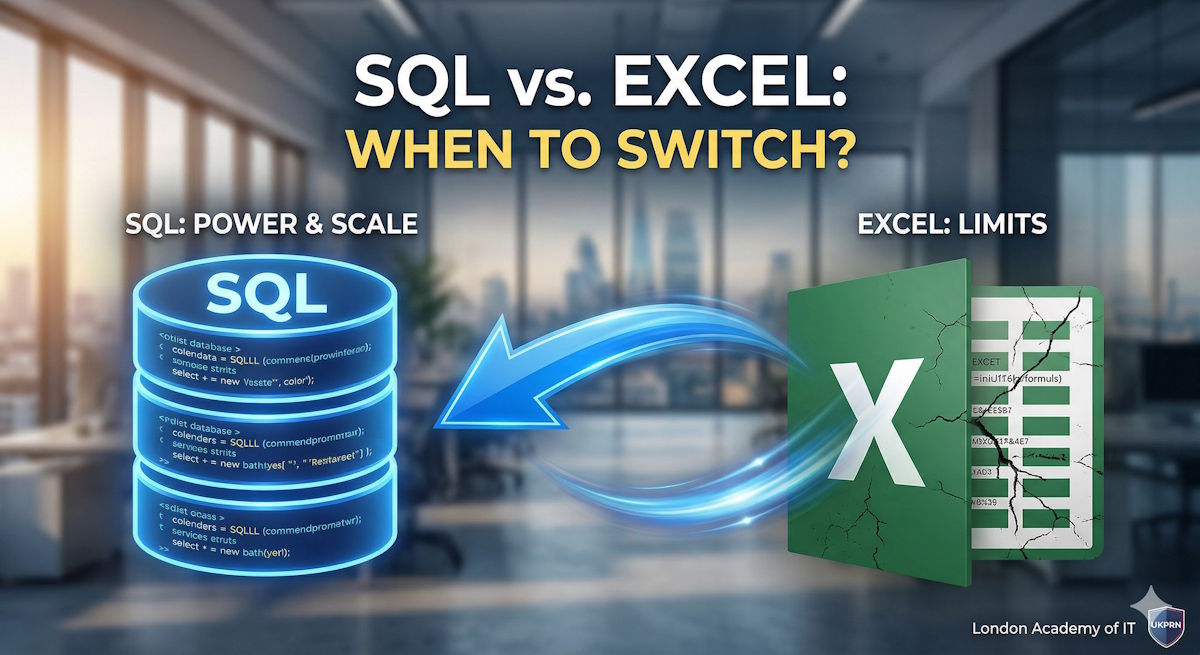
For decades, Microsoft Excel has been the undisputed king of data management for businesses worldwide. It is intuitive, flexible, and accessible to almost everyone. However, as organisations in the UK and globally move toward digital transformation, many professionals find themselves hitting a "data ceiling" where spreadsheets are no longer enough.
If you find your workbooks lagging or your data becoming difficult to manage, it might be time to transition to SQL (Structured Query Language). Here is how to know when to make the switch.
The Power of Excel: When it Works
Excel is an exceptional tool for quick calculations, one-off reports, and data visualisation for smaller datasets. Its strengths include:
- Ease of Use: Most professionals already have basic spreadsheet skills.
- Flexibility: You can quickly change a cell, add a formula, or create a chart without writing code.
- Ad-hoc Analysis: It is perfect for small-scale financial modelling or simple tracking.
The Power of SQL: When You Need More
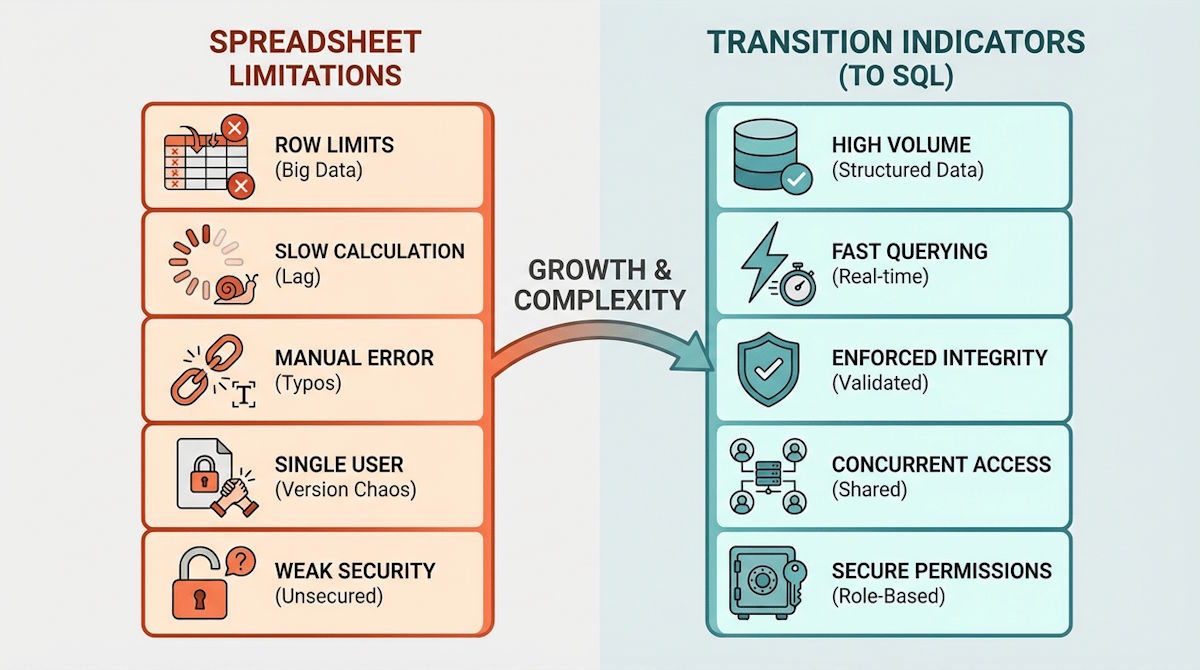
SQL is a domain-specific language designed specifically for managing and querying data held in relational database management systems. You should consider switching to SQL when you encounter the following challenges:
1. Large Datasets (The 1-Million Row Limit)
Excel has a hard limit of 1,048,576 rows per worksheet. Even before you hit that limit, a spreadsheet with hundreds of thousands of rows often becomes slow, prone to crashing, and difficult to share. SQL can handle hundreds of millions of rows with high-speed efficiency.
2. Data Integrity and Relationships
In Excel, a single accidental keystroke can delete a formula or corrupt a data point. SQL uses relational databases that enforce strict data types and "Primary Keys." This ensures that your data remains consistent and accurate across different tables, which is essential for professional-grade reporting.
3. Automation and Repetitive Tasks
If you spend hours every week manually cleaning data, performing "VLOOKUPs," or merging multiple spreadsheets, SQL can automate these workflows. Once a query is written, it can be executed instantly on the latest data, saving your team significant time.
4. Multi-User Collaboration
Excel files often lead to "version control" issues, where multiple people have different versions of the same file (e.g., "Report_v2_Final_Updated.xlsx"). SQL databases allow multiple users to query and update the same central source of truth simultaneously without conflicting files.
Making the Transition
Switching from Excel to SQL doesn't mean abandoning spreadsheets entirely. In a modern professional environment, the two often work together. You use SQL to extract and aggregate large volumes of data, then export the refined results into Excel or Power BI for final visualisation and presentation.