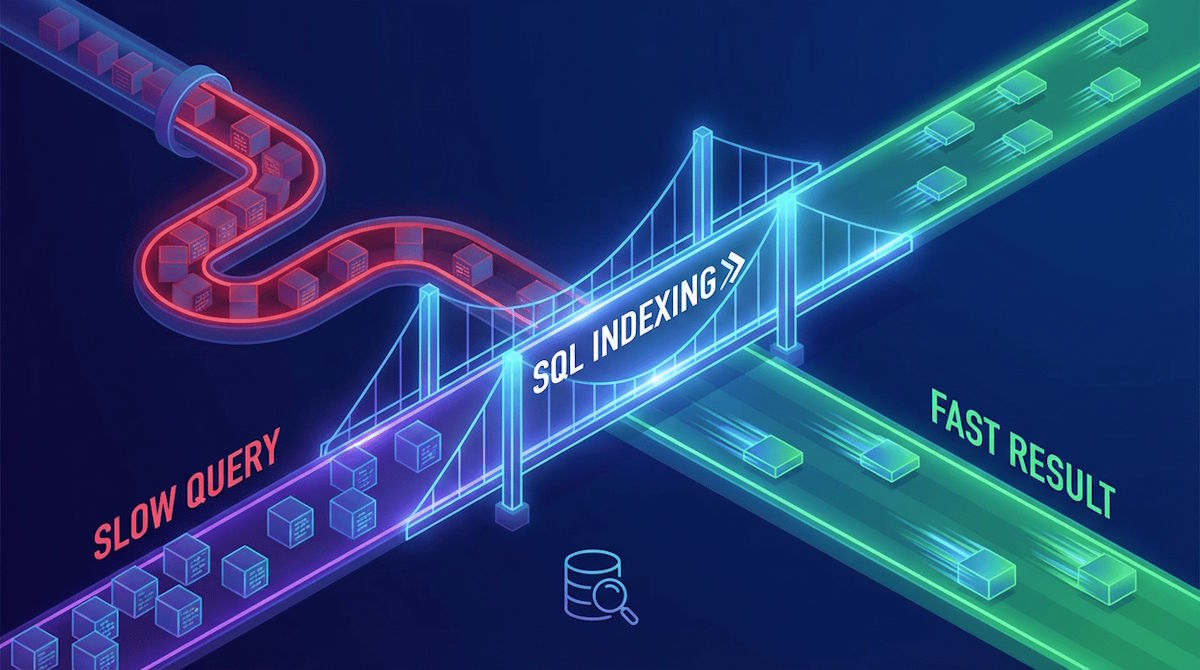
As databases grow from thousands to millions of rows, query speed often becomes the bottleneck of an application. A report that once took seconds to generate can suddenly take minutes, leading to frustrated users and strained server resources. The most effective solution to this problem is SQL Indexing.
What is a SQL Index?
Think of a database index like the index at the back of a massive textbook. If you want to find information about "Joins," you don't flip through every single page from the beginning; you go to the index, find the page number, and jump straight to the relevant section.

In a database, an index is a separate data structure that stores pointers to your data. Without an index, the database must perform a Full Table Scan, checking every single row to find a match. With an index, it can find the data in a fraction of the time.
The Benefits of Proper Indexing
- Drastic Speed Improvements: Queries that filter or sort large amounts of data can run up to 100x faster.
- Reduced Server Load: Faster queries mean the CPU and memory are freed up more quickly, allowing the system to handle more concurrent users.
- Better User Experience: Whether it is a web app or a corporate dashboard, data loads instantly, maintaining a professional and seamless flow.
Key Strategies for Indexing
1. Index Your "WHERE" Clauses
Identify the columns you use most frequently to filter data. If you often run queries like SELECT * FROM Orders WHERE CustomerID = 500, the CustomerID column is a prime candidate for an index.
2. Don't Over-Index
While indexes speed up Read operations (SELECT), they slow down Write operations (INSERT, UPDATE, DELETE). This is because every time you change the data, the database has to update the index as well. Balance is key.
3. Use Composite Indexes for Multiple Columns
If you frequently filter by two columns at once, such as LastName and FirstName, a composite index covering both columns can be significantly more efficient than two separate indexes.
4. Monitor and Delete Unused Indexes
Unused indexes are "dead weight." They take up disk space and slow down data entry without providing any performance benefit. Use your database’s management tools to identify and remove them.
Conclusion
Optimising slow queries is not just about writing better code; it is about understanding how the database engine interacts with your data. By implementing a thoughtful indexing strategy, you can transform a lagging database into a high-performance asset that scales with your needs