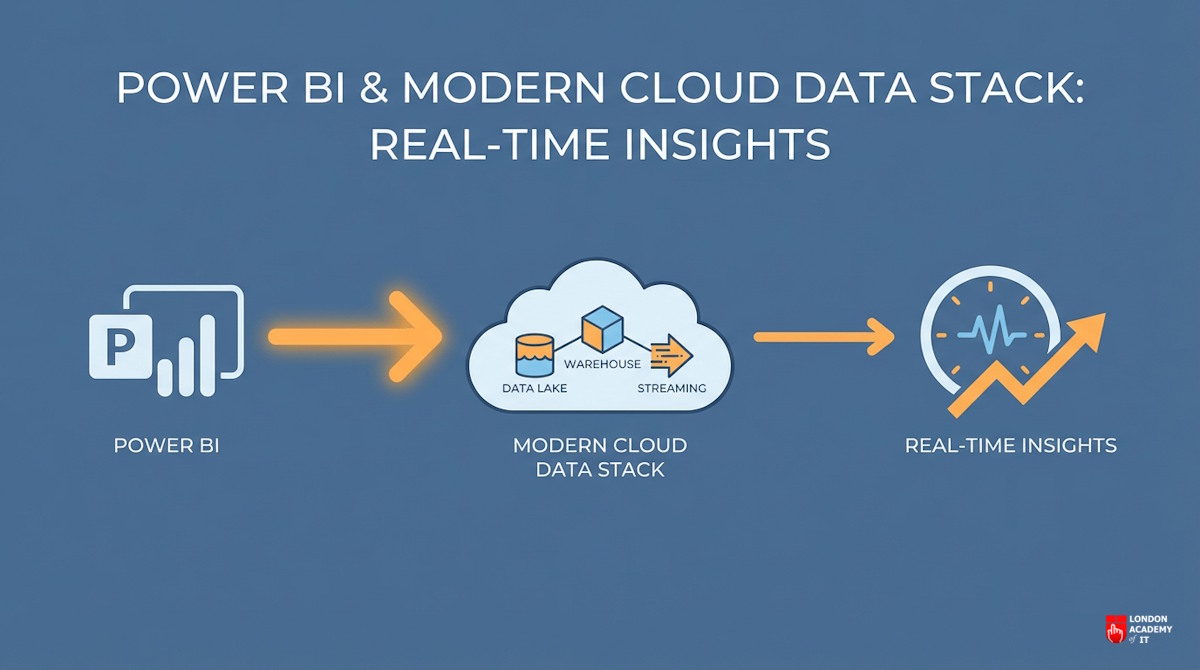
In many organisations, Power BI is often viewed simply as a visualisation tool for creating charts and dashboards. However, as data volumes grow into the millions and billions of rows, the performance of these dashboards depends less on the visual design and more on the underlying architecture. For global enterprises, the true power of analytics is unlocked only when Power BI is seamlessly integrated with a robust cloud data warehouse.
By connecting Power BI to high-performance storage layers such as Snowflake, Google BigQuery, or Amazon Redshift, businesses can move beyond sluggish, static reporting into a world of high-velocity, real-time insights.
The Limitation of "Local" Data
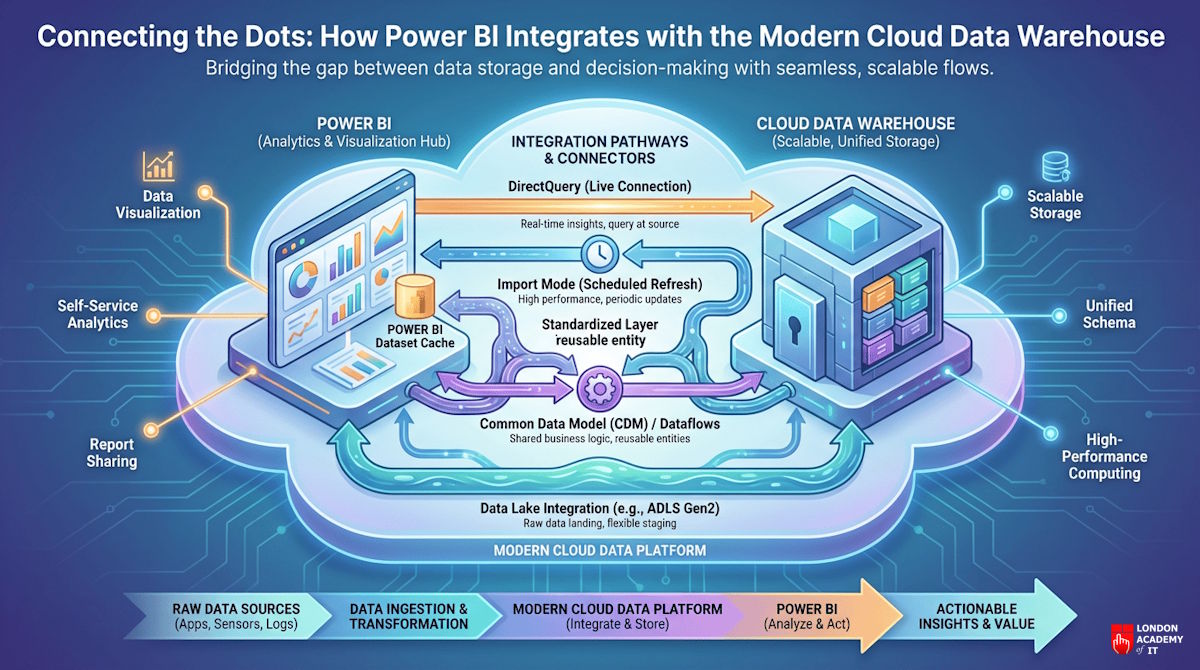
When Power BI is used in isolation, data is often imported directly from flat files or small local databases. This "Import Mode" caches data within the Power BI Desktop file or the service. While this is fast for small datasets, it creates significant overhead as the business scales.
Large imports lead to long refresh times and version control issues, often resulting in different departments looking at different "snapshots" of the truth. A cloud data warehouse solves this by acting as the single, authoritative source of truth that feeds Power BI directly.
DirectQuery and the Power of Push-Down Physics
One of the primary technical advantages of integrating Power BI with a cloud warehouse is the use of DirectQuery. Instead of importing data, Power BI sends the analytical query directly to the warehouse.
Cloud warehouses such as Snowflake are designed for massive parallel processing. When a user interacts with a Power BI slicer, the heavy lifting of calculating millions of rows is "pushed down" to the warehouse. The warehouse performs the calculation in milliseconds and sends only the small result set back to Power BI. This ensures that even the most complex dashboards remain responsive and interactive, regardless of the dataset size.
Enhancing Security and Governance
Security is a paramount concern for any corporate data strategy. When Power BI is backed by a modern cloud warehouse, organisations can implement Row-Level Security at the source.
For instance, a global retail firm can ensure that a regional manager in London only sees UK sales data, while a manager in New York sees US data, all within the same dashboard. Because the security logic lives in the warehouse (such as BigQuery) rather than being duplicated in individual Power BI reports, the risk of data leakage is significantly reduced and compliance with regulations such as GDPR becomes much easier to manage.
Real-World Integration: The Microsoft Fabric Evolution
The integration between storage and visualisation has become even more streamlined with the introduction of Microsoft Fabric. By using a "OneLake" approach, data can be stored in an open format (Delta Parquet) that Power BI can access via "Direct Lake" mode. This provides the speed of Import Mode with the real-time connectivity of DirectQuery, effectively removing the traditional trade-off between performance and data freshness.
Conclusion: Building a Scalable Intelligence Layer
Connecting Power BI to a modern cloud data warehouse is not merely a technical preference; it is a strategic requirement for any data-driven organisation. It ensures that your intelligence layer is scalable, secure, and capable of delivering insights at the speed of business. By investing in this integrated architecture, corporate leaders can ensure their teams spend less time waiting for data to load and more time extracting the value that drives growth.